Quick answer
Open the Reel, tap Share and then Copy link. Paste the link above, tap Download and choose MP3 audio. The sound of the Reel is converted and saved as an MP3 file. If there is no MP3 option, the Reel has no audio track we can convert.
Dedicated tool: Facebook to MP3 →
Step by step on a phone
- In the Facebook app, open the Reel you want. Tap Share (the arrow), then Copy link. The link looks like facebook.com/reel/… or a short fb.watch link.
- Open facebk.download in your browser and paste the link into the box at the top. Tap Download.
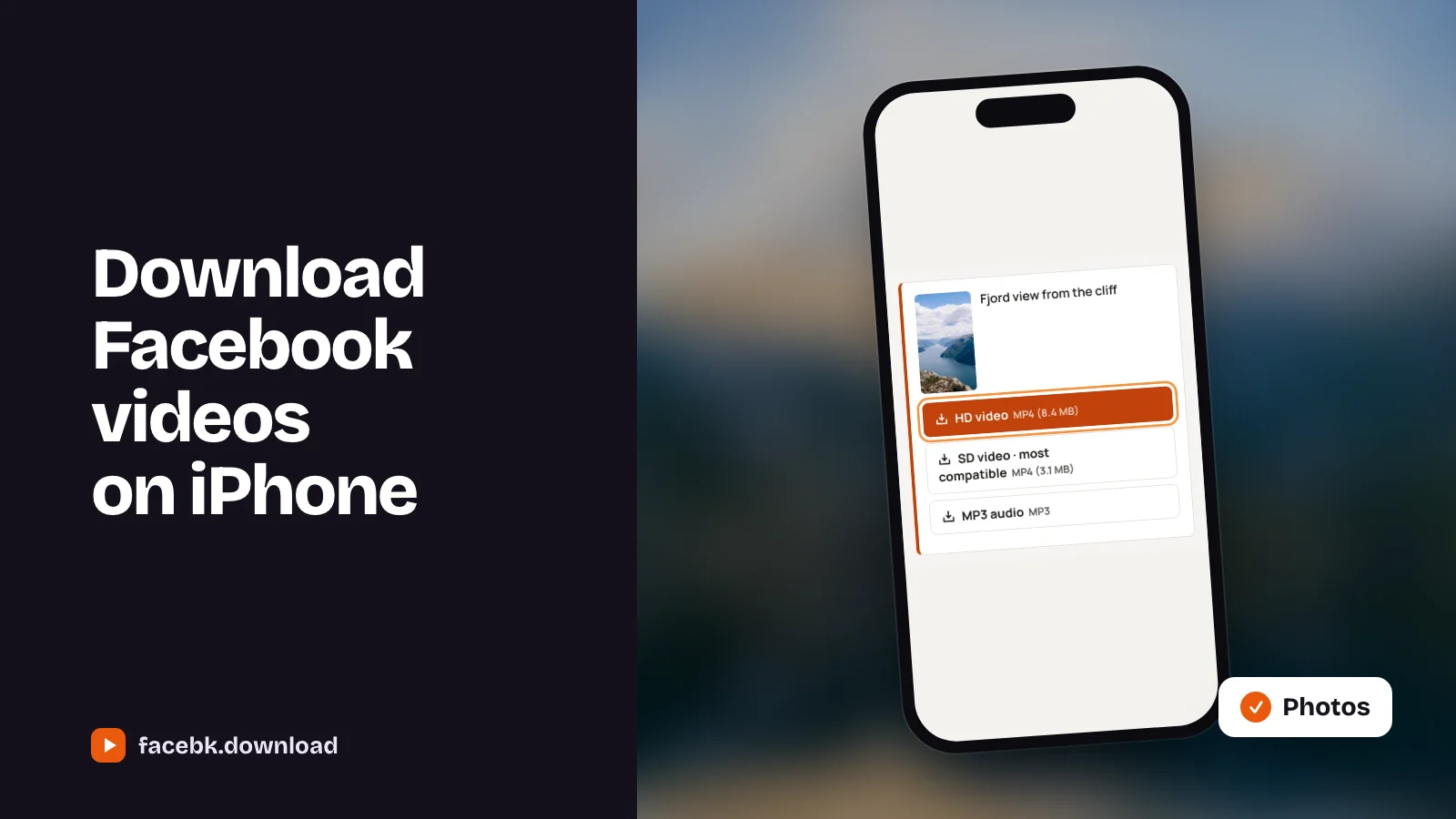
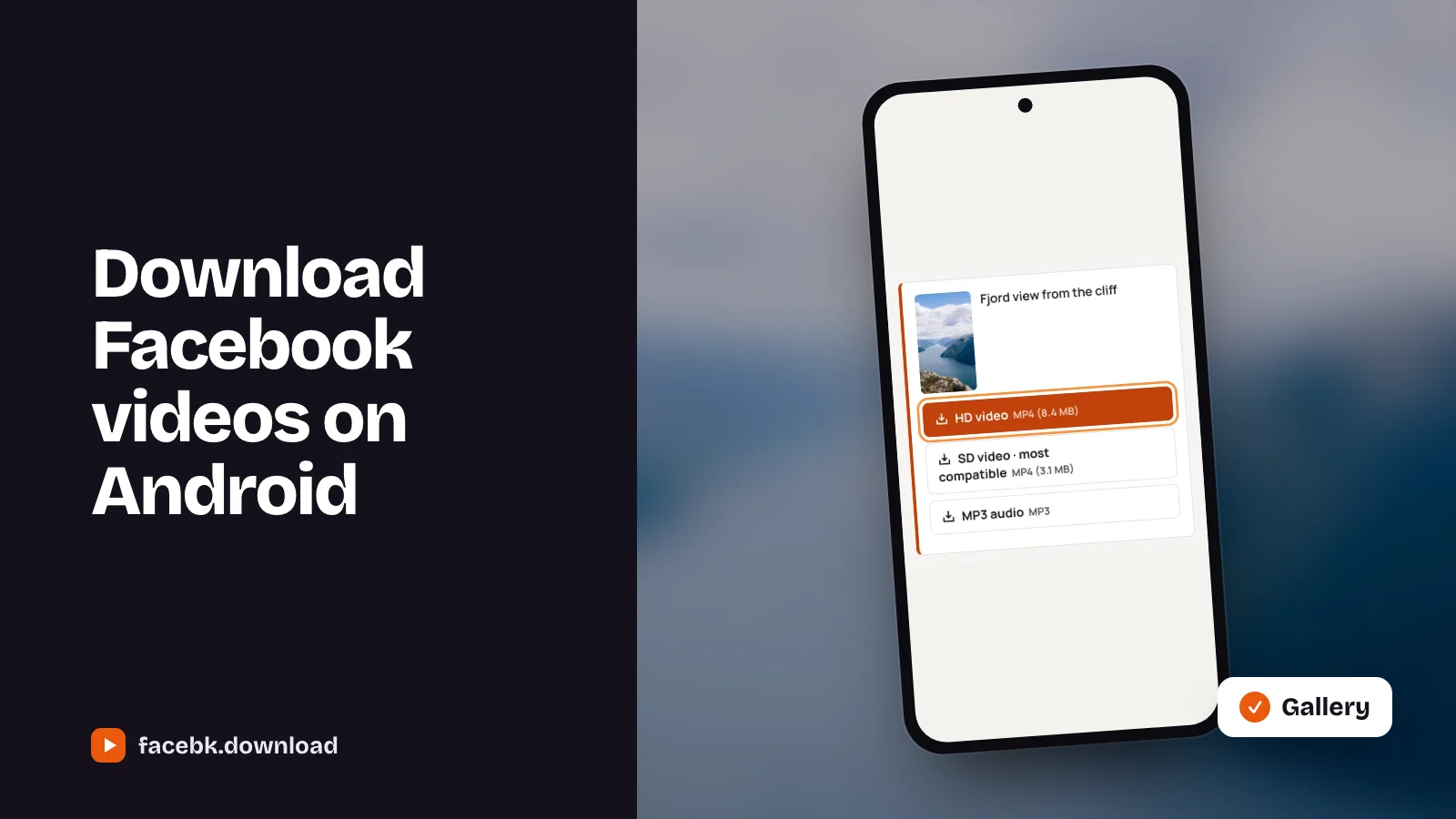
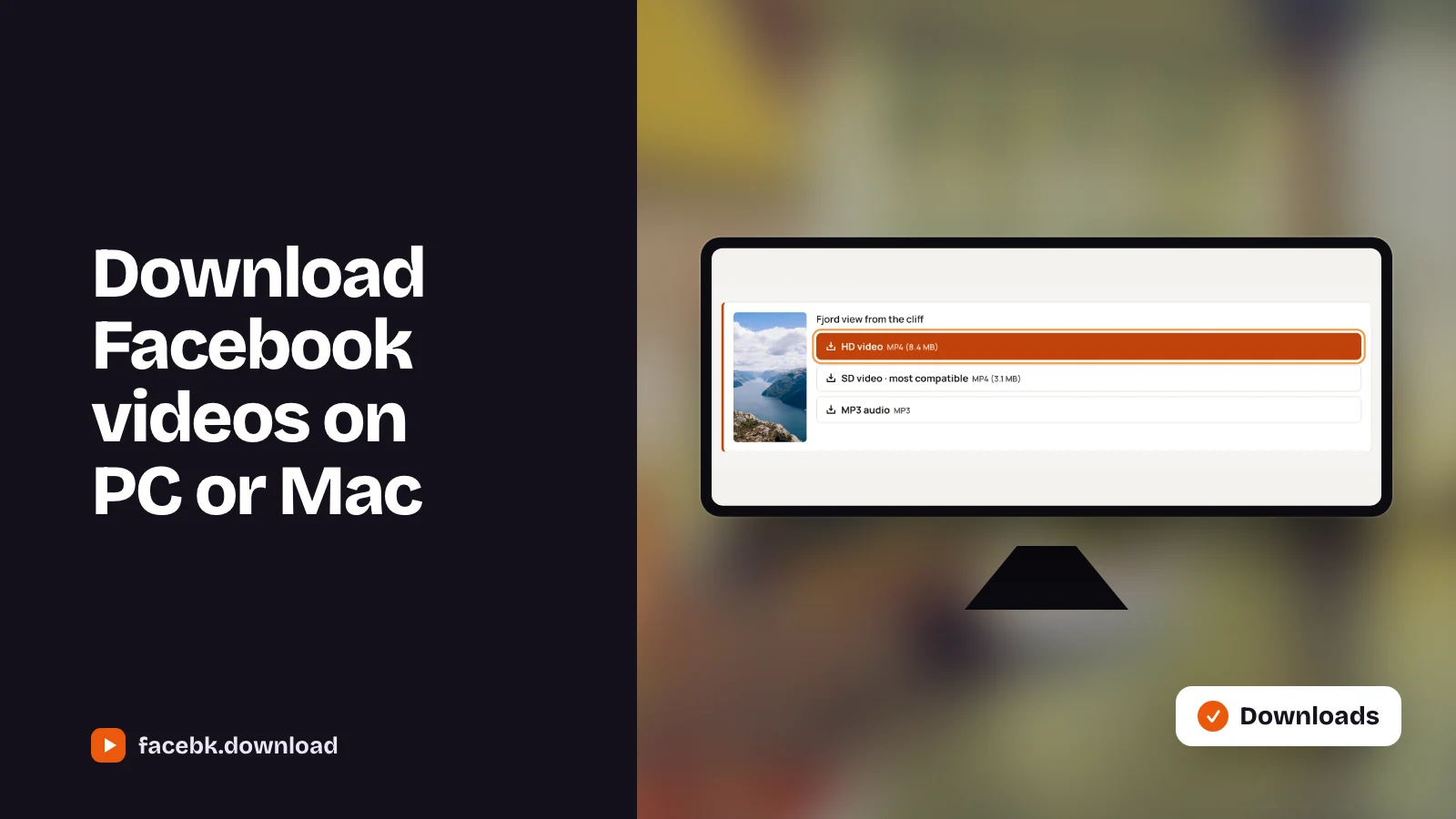
- You get three options: HD video, SD video and MP3 audio. Tap MP3 audio.
- Wait a few seconds while the sound is converted. The MP3 file then downloads to your phone.
On a computer
Open the Reel on facebook.com and copy the address from the browser bar; it starts with facebook.com/reel/. Paste it above, click Download and choose MP3 audio. The file lands in your Downloads folder.
What you get
| MP3 from a Reel | |
|---|---|
| Length | The whole Reel, from start to end |
| Audio | Every sound in the Reel: music, voice and effects together |
| Quality | Encoded with LAME at variable bitrate, quality 2; never better than the audio on Facebook |
| File name | facebook_<video number>.mp3 |
The MP3 holds the sound exactly as it plays in the Reel. If the creator talked over a song, the voice is in the MP3 too; we cannot separate the music from the voice.
Finding the MP3 afterwards
- iPhone and iPad: open the Files app and go to Downloads. Tap the MP3 to play it, or share it to another app.
- Android: open the Files or My Files app and look in the Download folder. Most music players list it too.
- Computer: the MP3 is in your Downloads folder.
Frequently asked questions
How do I convert a Facebook Reel to MP3?
Copy the Reel link, paste it above, tap Download and choose MP3 audio. The sound of the Reel is saved as an MP3 file.
Can I get only the song without the voice?
No. The MP3 contains the sound of the Reel as it is, so a voice over the music stays in the file.
Do Reels from private profiles work?
No. Only public Reels can be converted. Please save only content you own or have permission to use.
Is converting a Reel to MP3 free?
Yes. It works in the browser with no app, no account and no payment.