Facebook to MP3 Converter
Convert Facebook to MP3: paste a public video or Reel link and keep only the audio, saved as an MP3 file on your phone or computer.
How to convert a Facebook video to MP3
Copy the video link
In the Facebook app tap Share, then Copy link on the video or Reel. On a computer, copy the address from the browser bar.
Paste it above
Paste the link into the box and tap Download. We show the video options and an MP3 audio option.
Choose MP3 audio
Pick MP3 audio. We convert the soundtrack and the MP3 file downloads to your device.
Why use this FB to MP3 converter
Videos and Reels
Works with public Facebook videos, watch links and Reels, so you can turn a Facebook Reel into MP3 the same way.
Whole soundtrack
The full audio is converted, from the first second to the last. Videos up to 30 minutes long can be converted.
Good audio quality
We take the audio track Facebook serves for the video and encode it with LAME at variable bitrate, quality 2. The MP3 cannot sound better than that audio.
Video options too
The same result also offers the video in HD or SD, if you want to keep the picture as well.
Phone and computer
Use it in the browser on Android, iPhone, Windows or Mac. No app, extension or account.
Audio downloader, not a recorder
We save the audio track itself, so there is no screen recording, no background noise and no waiting for the video to play.
Nothing kept
The MP3 is made for your download and deleted from our server as soon as it has been delivered.
Facebook to MP3 FAQ
What is a Facebook to MP3 converter?
It takes the sound of a Facebook video and saves it as an MP3 file. Here you only paste the video link: there is no file to upload and nothing to install.
How do I convert a Facebook video to MP3?
Copy the video link, paste it above, tap Download and choose MP3 audio. The MP3 file downloads to your device.
Can I convert a Facebook Reel to MP3?
Yes. Copy the link of a public Reel, paste it above and choose MP3 audio, the same as for a normal video.
Where is the MP3 saved on my phone?
On Android it goes to the Download folder and shows up in your music or files app. On iPhone, Safari saves it in the Files app, in Downloads; open it there to play or share it.
How do I convert FB to MP3 on Android?
In the Facebook app tap Share, then Copy link. Open this page in Chrome, paste the link, tap Download and choose MP3 audio. The file goes to your Download folder.
Can I convert Facebook to MP3 on iPhone?
Yes, in Safari. Copy the video link in the Facebook app, paste it here and choose MP3 audio. Safari saves the file in the Files app, in Downloads.
How do I convert Facebook to MP3 on a PC or Mac?
Open the video on facebook.com, copy the address from the browser bar (or use Share, then Copy link), paste it above and choose MP3 audio.
Can I download music from a Facebook video?
Yes, if the song plays in a public video: choose MP3 audio and the whole soundtrack is saved, music included. Songs are often copyrighted, so keep them for your own listening.
What audio quality is the MP3?
We convert the audio track Facebook serves for the video with LAME at variable bitrate, quality 2. Converting cannot add quality, so the MP3 sounds like the audio you hear on Facebook.
Is there a length limit?
Yes. Videos up to 30 minutes can be converted to MP3. If a video is longer, you see a message when you choose MP3 audio, and the video options still work.
Do fb.watch and share links work?
Yes. Paste fb.watch short links or any facebook.com video, watch or Reel link. We open the link and find the video for you.
Why is there no MP3 option?
If a video has no sound, there is nothing to convert, so we only show the video options.
Do I need an account or an app?
No. The Facebook to MP3 converter is free and works in the browser. There is nothing to install and no sign-up.
Do you keep the files?
No. The MP3 is deleted from our server as soon as it has been delivered.
Can I convert private videos?
No. Only public videos can be converted. Videos in private profiles, private groups or deleted posts cannot be opened.
Can I use the audio anywhere?
Music in videos is often copyrighted. Keep MP3s for personal use or get permission from the owner.
Related guides
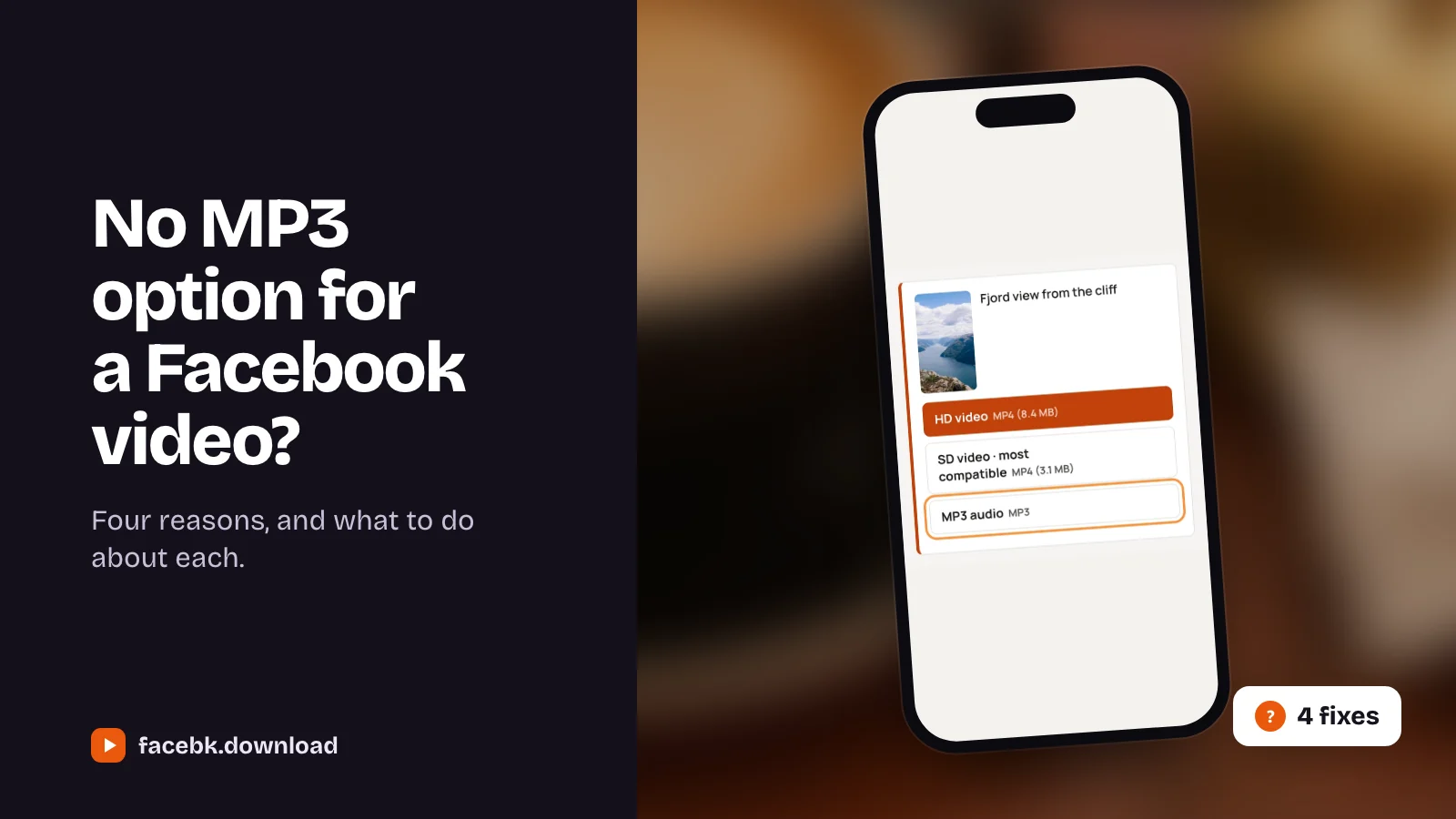 No MP3 Option for a Facebook Video? Here Is WhyNo MP3 option or an error when converting a Facebook video to MP3? The four usual reasons: no sound, a private post, a video over 30 minutes, a bad link.
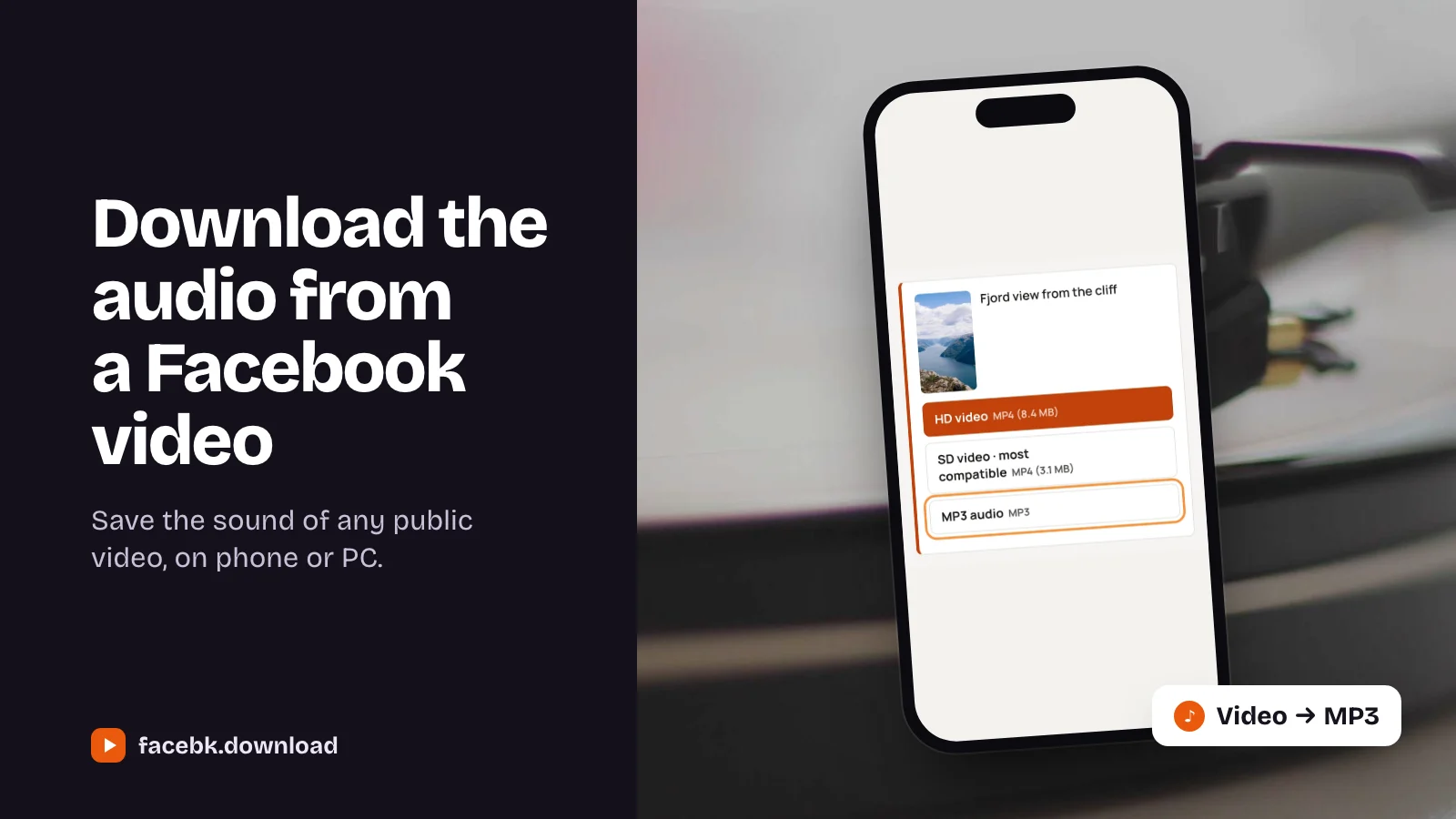 How to Download the Audio from a Facebook VideoDownload the audio from a Facebook video as an MP3: paste the video link into Facebk and choose MP3 audio. Works for videos, watch links and Reels.
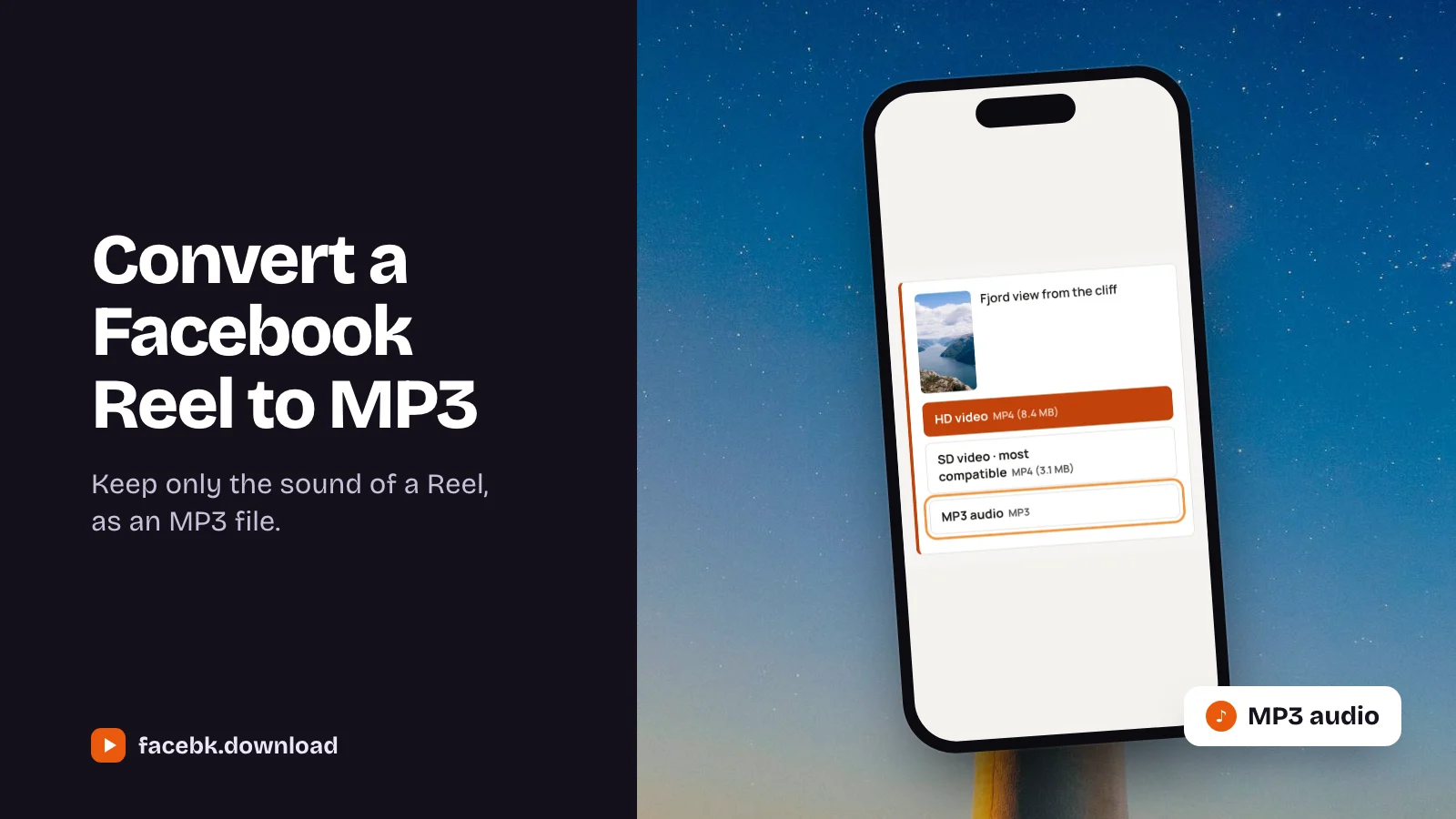 How to Convert a Facebook Reel to MP3Convert a Facebook Reel to MP3 in three steps: copy the Reel link, paste it into Facebk and choose MP3 audio. Free, no app, on iPhone, Android or PC.