Facebook download guides
Short, practical guides for saving public Facebook videos and Reels on iPhone, Android and computers, saving their sound as MP3, and fixing common problems. Every page has the downloader built in.
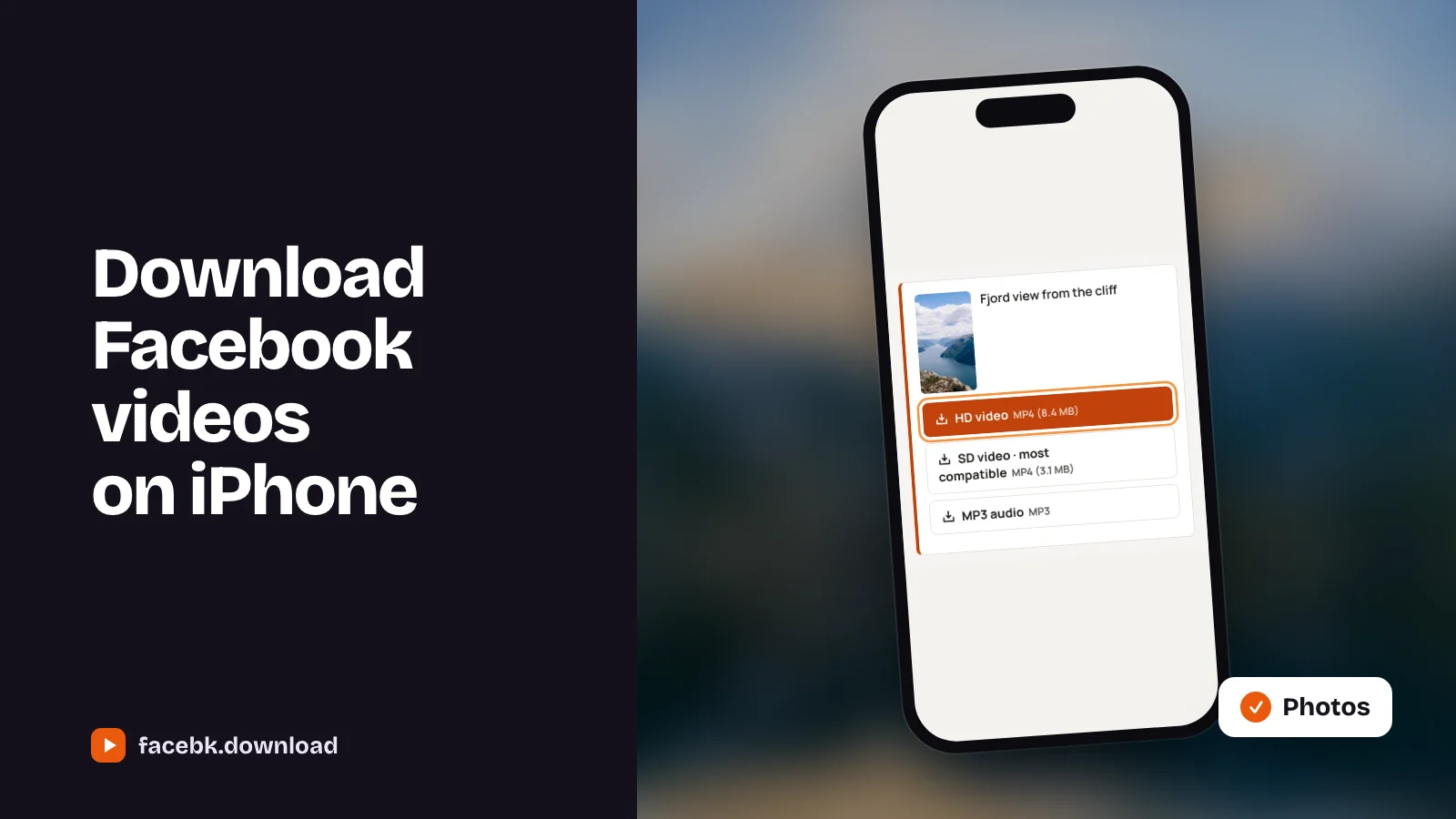 How to Download Facebook Videos on iPhoneHow to download Facebook videos and Reels on iPhone: copy the link, download the HD video in Safari, then save it from the Files app to Photos. Free.
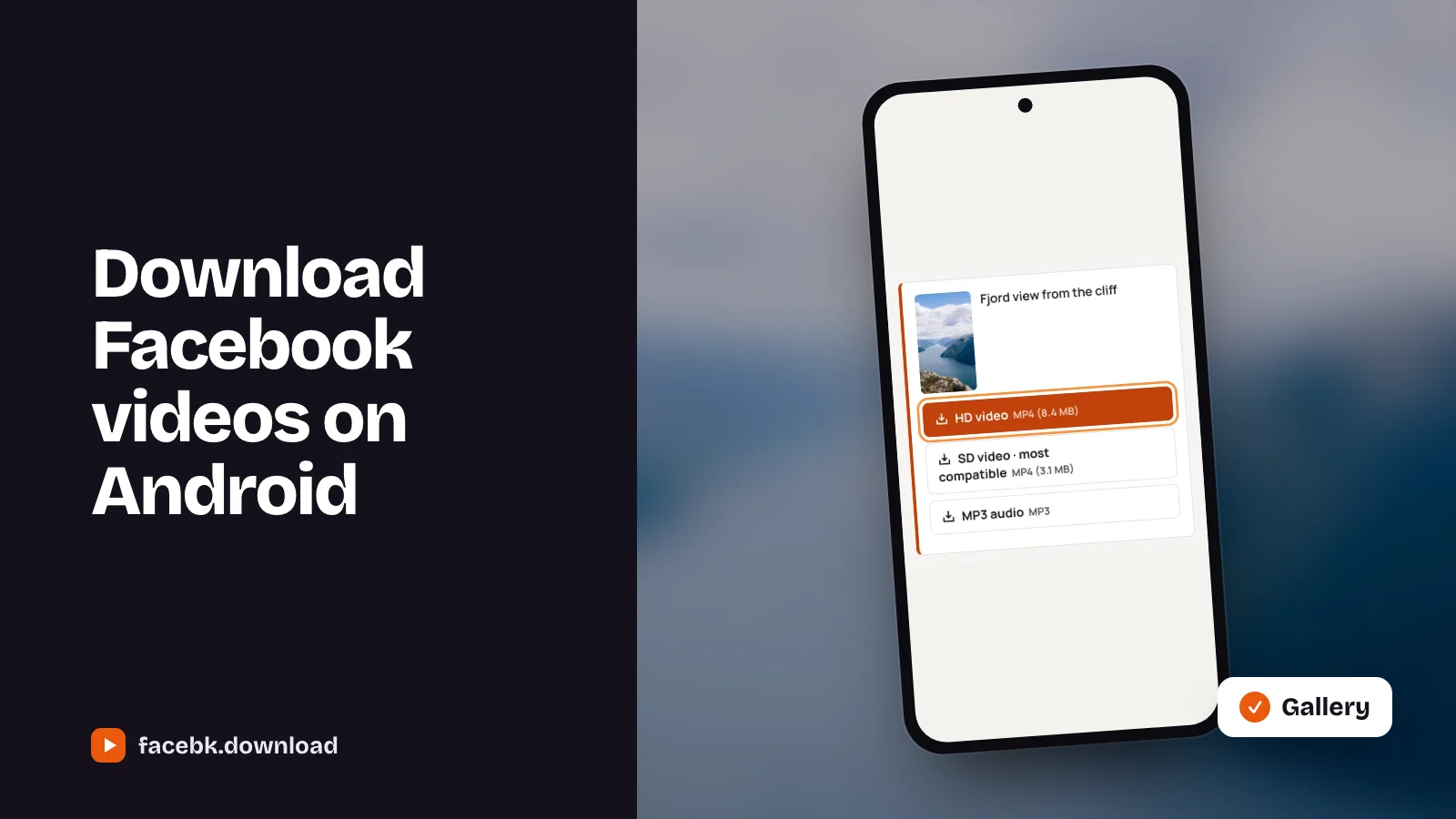 How to Download Facebook Videos on AndroidHow to download Facebook videos and Reels on Android: copy the link, download the HD MP4 in Chrome and find it in your Gallery. Free, no app, no login.
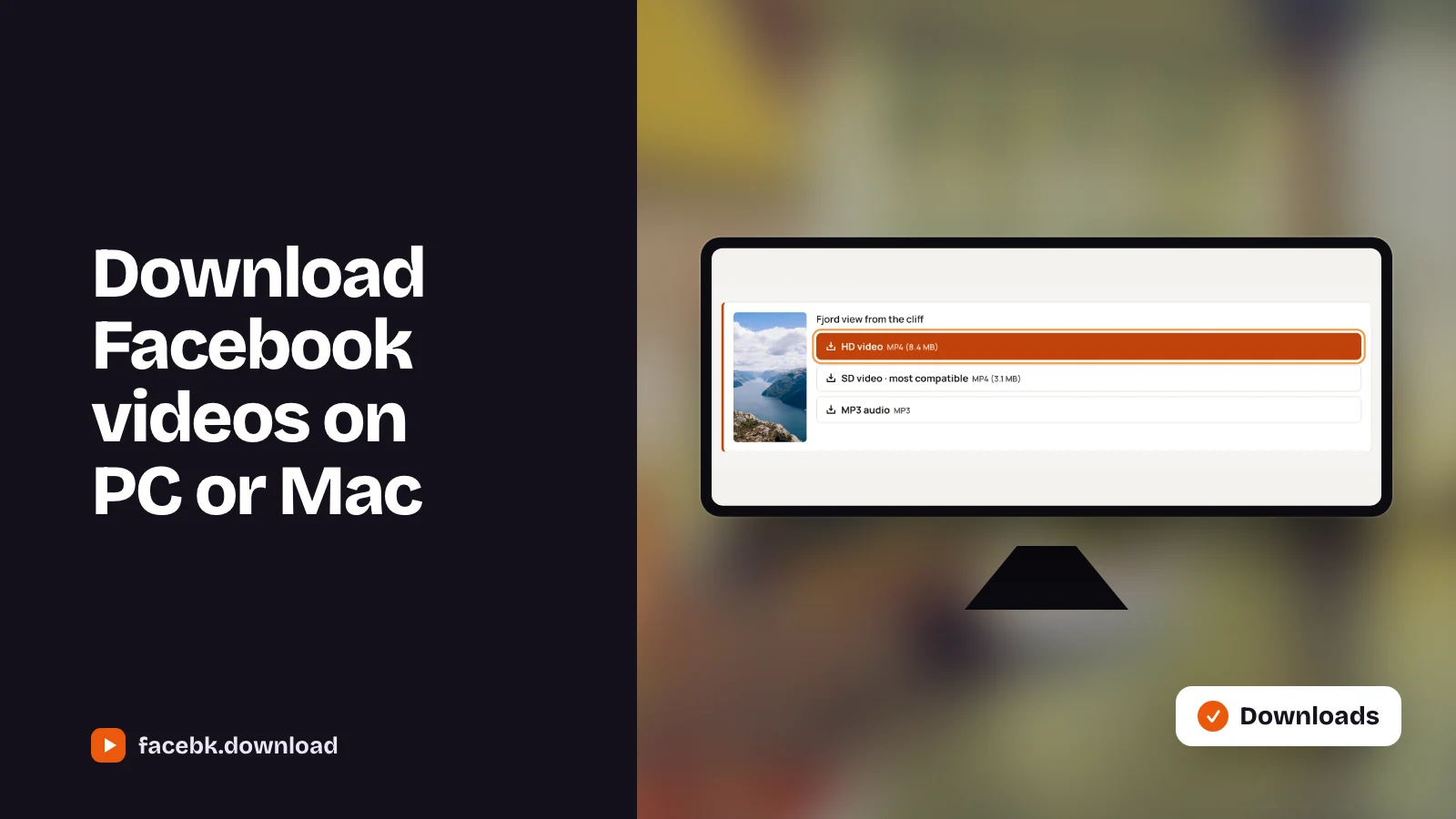 How to Download Facebook Videos on PC or MacHow to download Facebook videos and Reels on PC or Mac: copy the link from the address bar or Share menu, paste it and save the HD MP4. No software needed.
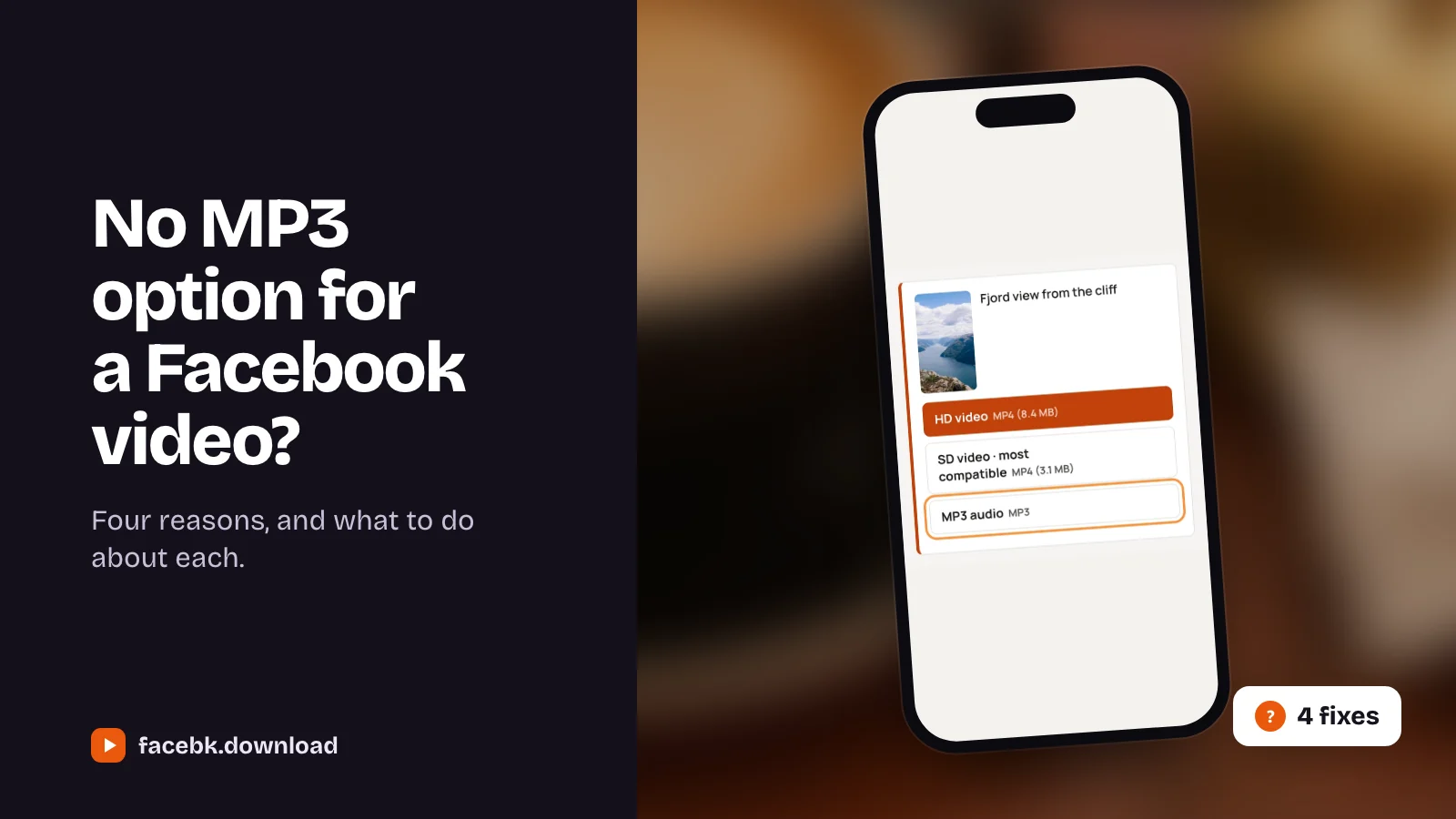 No MP3 Option for a Facebook Video? Here Is WhyNo MP3 option or an error when converting a Facebook video to MP3? The four usual reasons: no sound, a private post, a video over 30 minutes, a bad link.
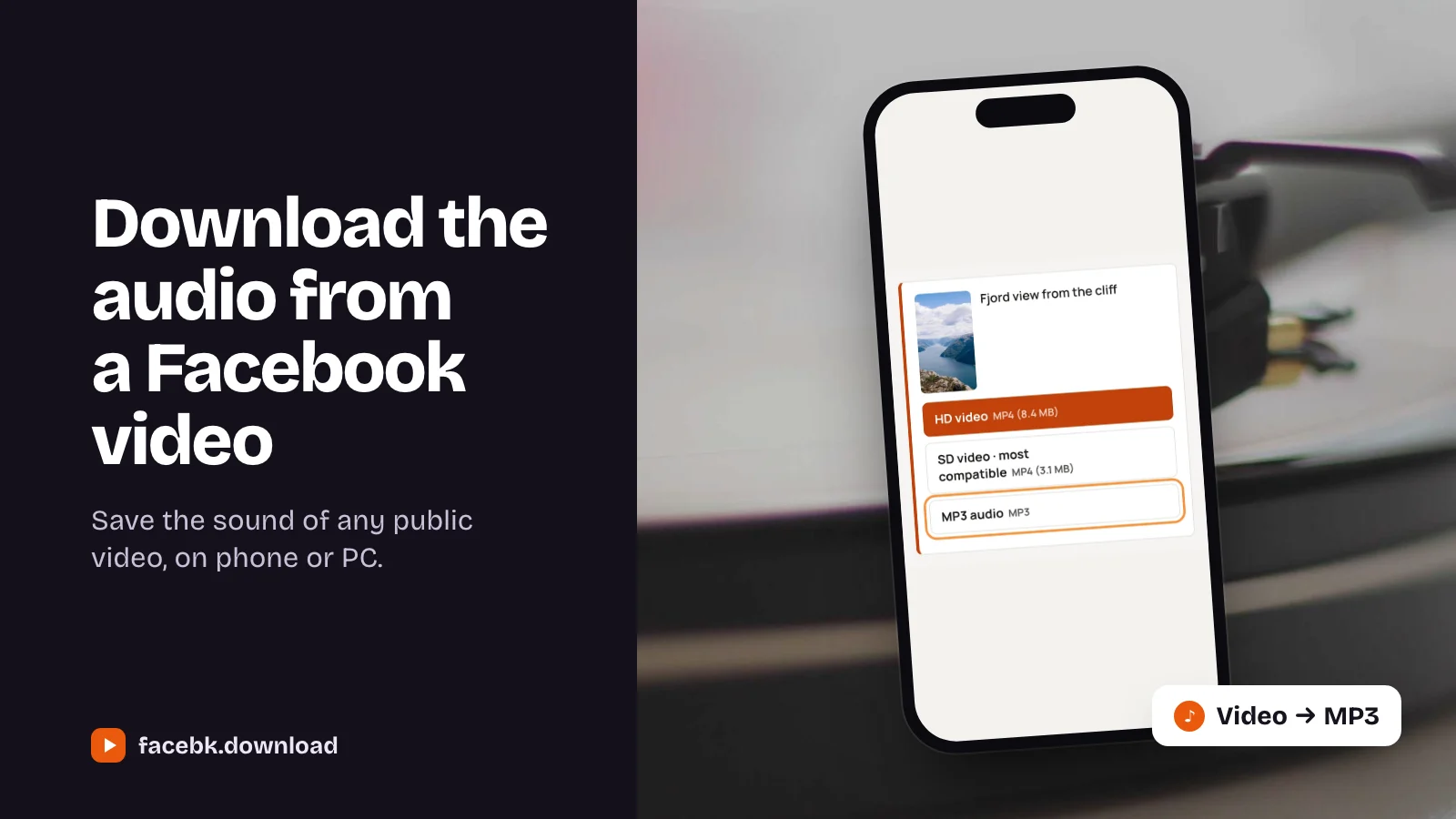 How to Download the Audio from a Facebook VideoDownload the audio from a Facebook video as an MP3: paste the video link into Facebk and choose MP3 audio. Works for videos, watch links and Reels.
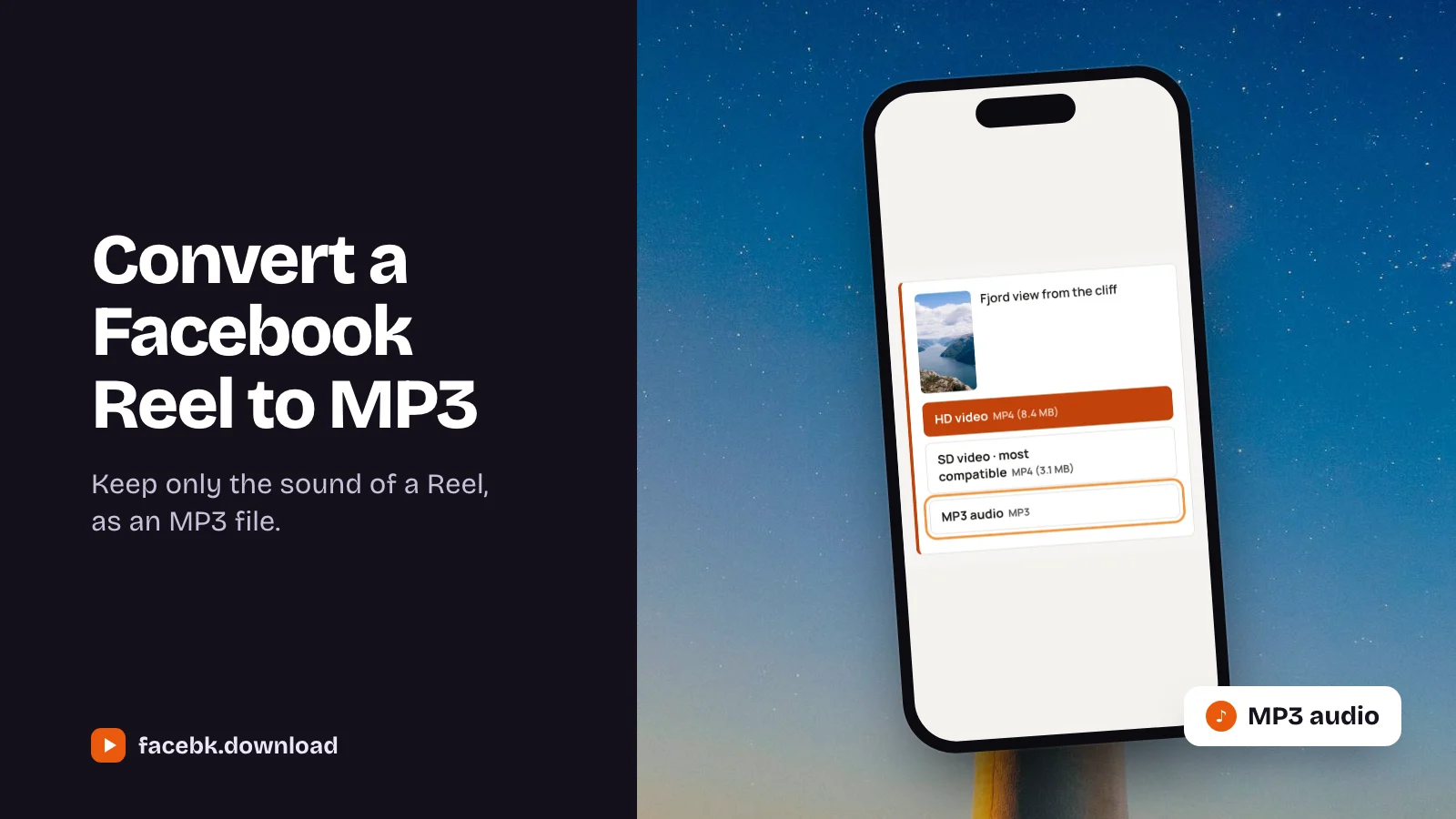 How to Convert a Facebook Reel to MP3Convert a Facebook Reel to MP3 in three steps: copy the Reel link, paste it into Facebk and choose MP3 audio. Free, no app, on iPhone, Android or PC.